
Dental
You may be old school. Your practice does not have to be.
We look at what you already run, modernize it, and keep it running.
Where most practices still are
Your patients are still filling this out on a clipboard.
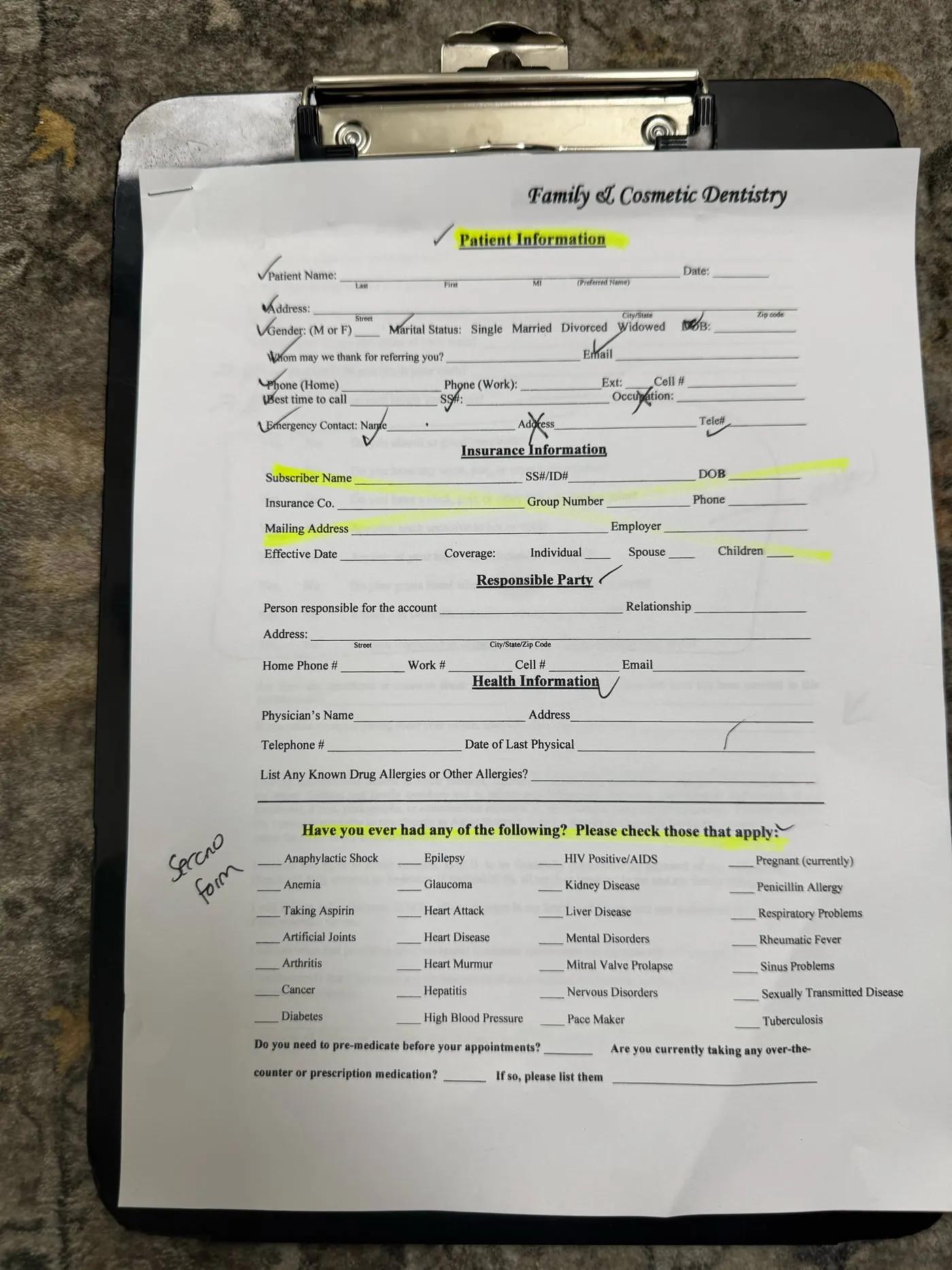
One sheet of paper, and anyone who walks past the front desk can read every line of it.
- Social Security number
- Date of birth
- HIV status
- Hepatitis
- Pregnancy
- Sexually transmitted disease
All of it is protected health information. On paper it is protected by a clipboard.
Identify and assess
First we read what your practice is already running.
Whatever you run at the front desk, we work in it. We go through it with you before proposing anything.
- Dentrix
- Open Dental
- Eaglesoft
- CareStack
Trademarks are the property of their respective owners. BakrKode is not affiliated with or endorsed by these companies.
- Which version you are on, and whether it still gets support.
- Modules you already pay for and have never switched on.
- What you pay each month, line by line.
- What the front desk retypes that the software could file itself.
The practice was already paying for software that could do this. Nobody had switched it on. That is the most common thing we find.
Modernize it
Then we change what patients actually touch.
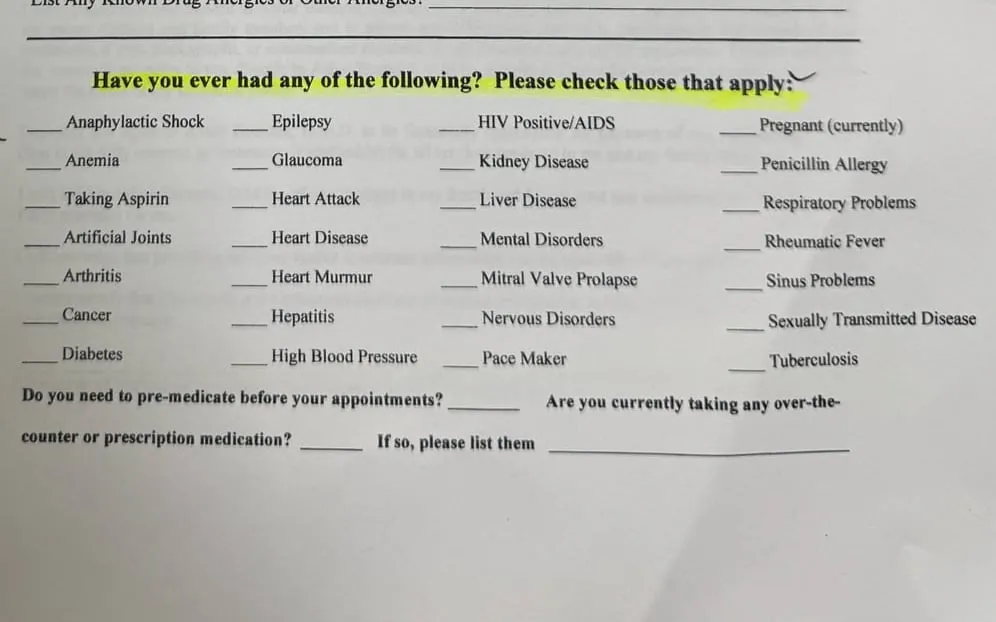
Two surfaces. The form that goes in their hands, and the page they found you on.
The form in their hands
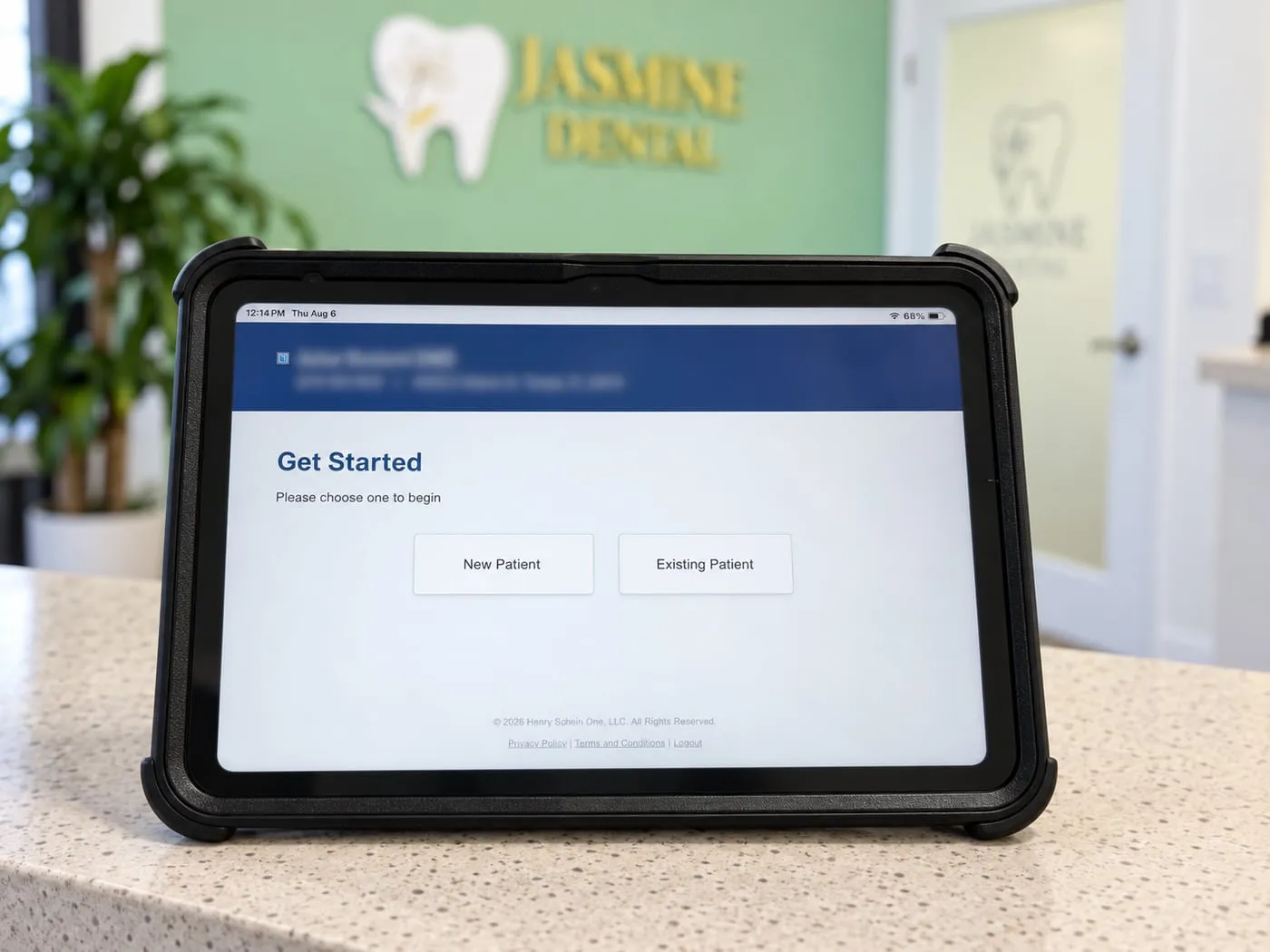
The page they found you on
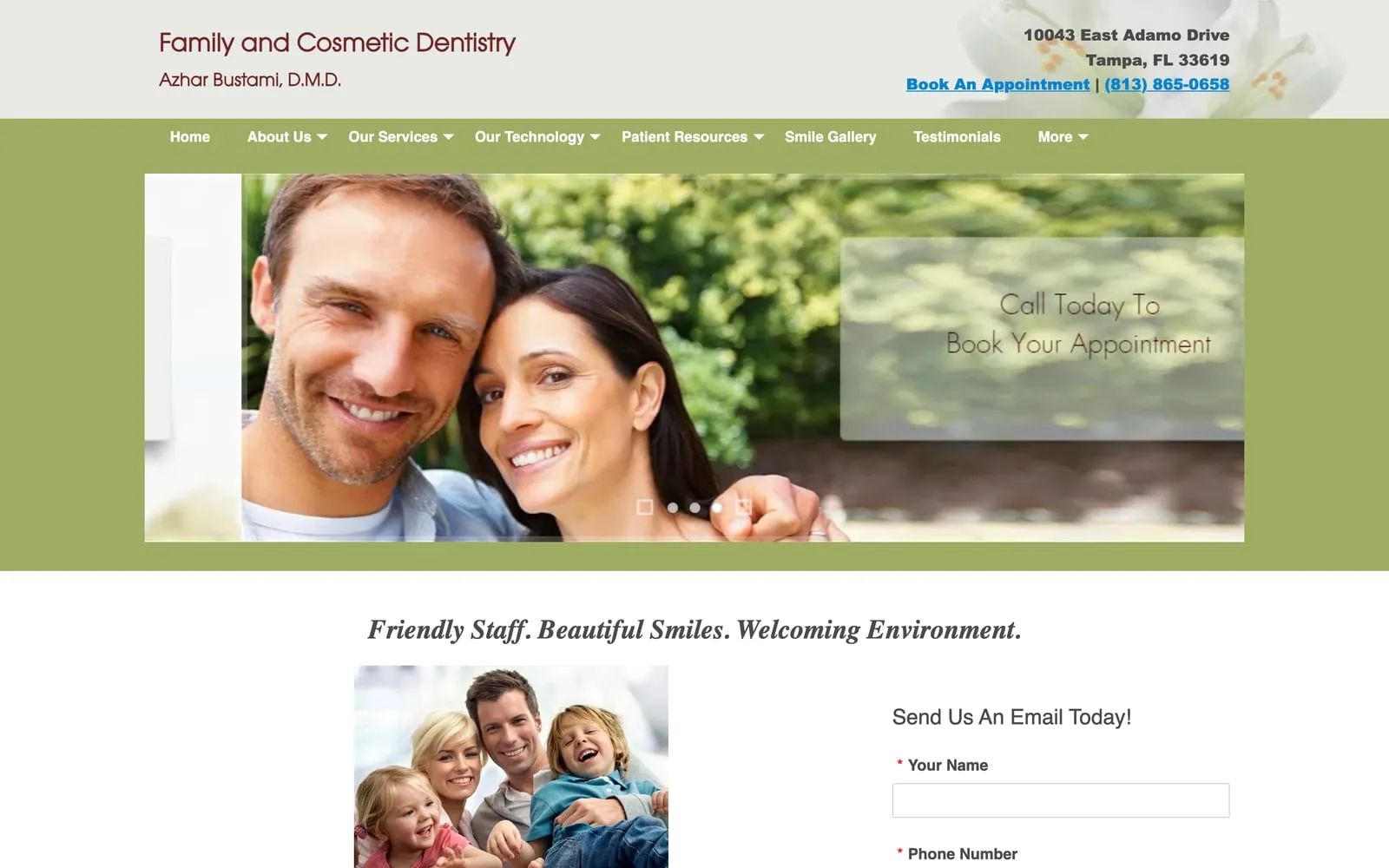
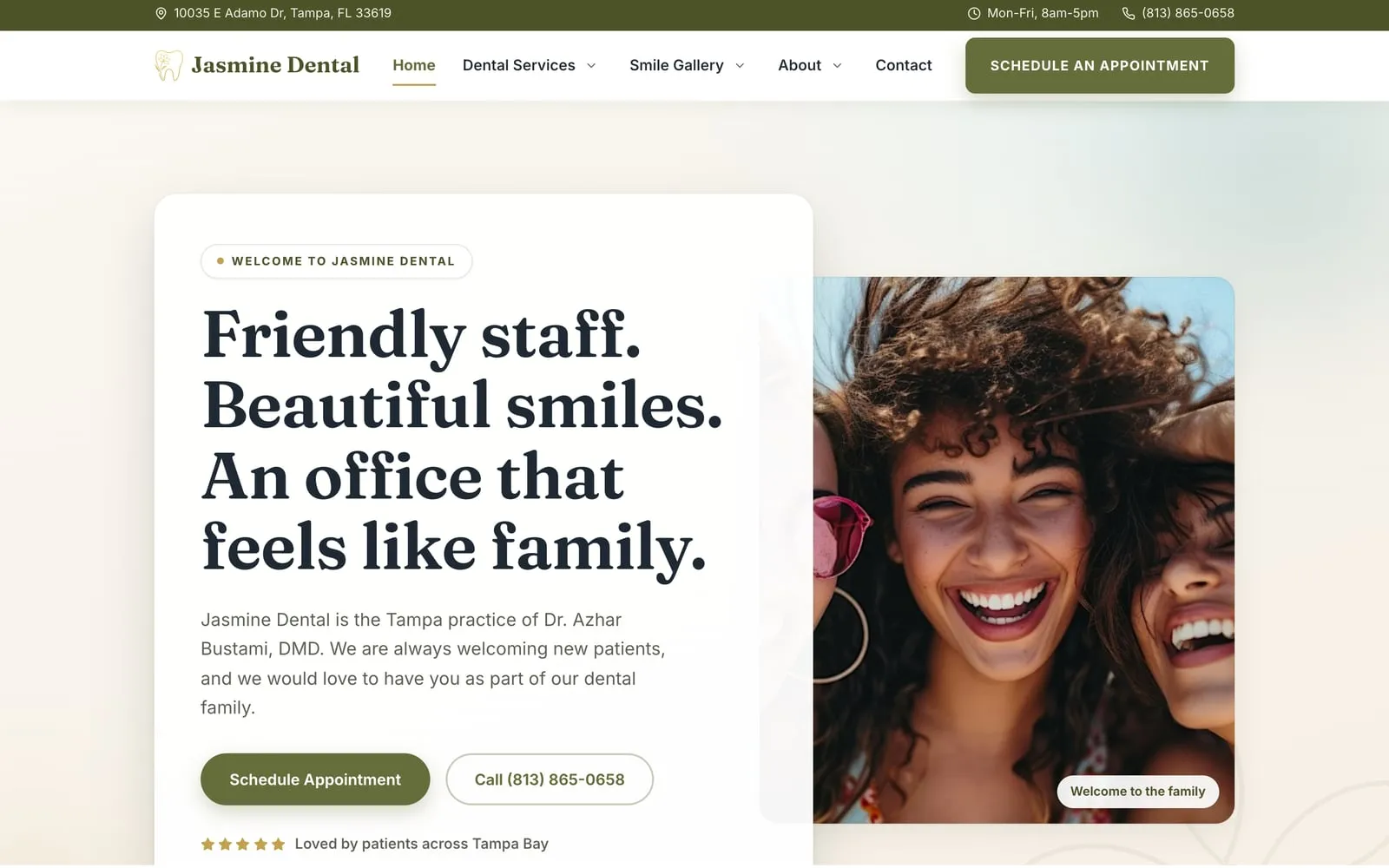
Jasmine Dental, Tampa FL. Read the full case study .
Keep it running
Then somebody stays on it.
Software nobody maintains becomes the software you were trying to replace. This is the part that stops that happening.
Getting found
Reviews
Search rankings
Google Ads
Keeping it working
-
Hosting and uptime
-
Form delivery
-
Search Console
-
Content updates
Ready when you are
Let's grow your business.
You didn't start a business to wrestle with software. We get you found, automate the busywork, connect your tools, and keep it all running.
You didn't start a business to wrestle with software. We handle the tech.